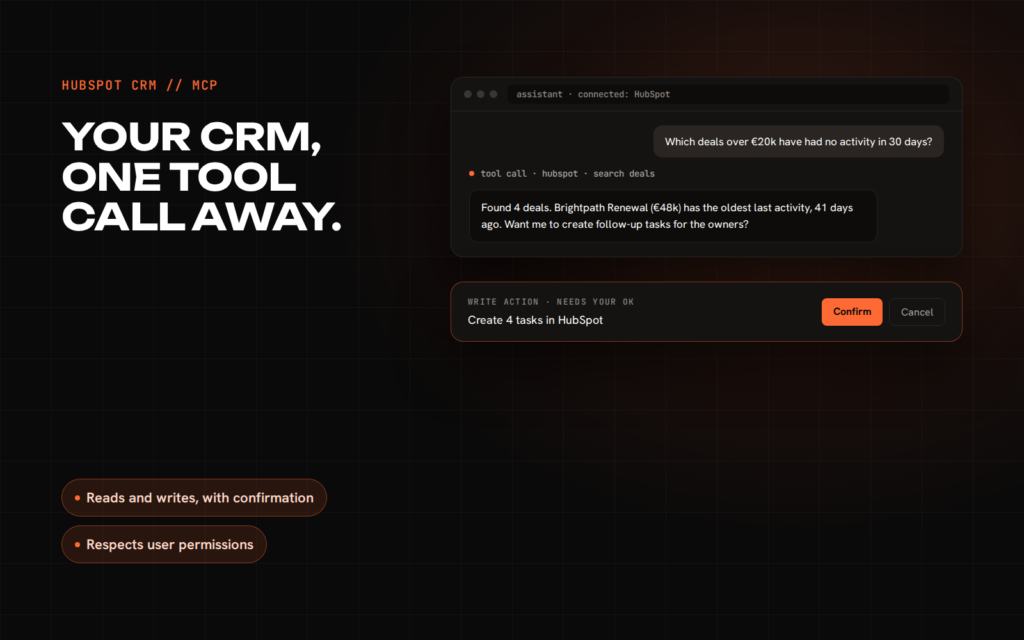
A year ago, letting an AI assistant work with your HubSpot data meant a custom integration or copying CSV exports into a chat. Today HubSpot runs its own MCP server, and any assistant that supports the Model Context Protocol can connect to your CRM directly. It is a real step forward. It is also easy to overestimate.
What MCP is, briefly
The Model Context Protocol is an open standard for connecting AI assistants to tools and data. Instead of every AI product building its own HubSpot integration, HubSpot exposes its data once through an MCP server, and any compatible assistant, from Claude to custom agents, can use it.
What HubSpot’s MCP server supports
HubSpot’s remote MCP server became generally available in April 2026 and runs at mcp.hubspot.com. It connects through OAuth, and every action respects the permissions of the HubSpot user who connected it. At launch it could:
- Read contacts, companies, deals, tickets, line items, quotes, invoices, products, segments, campaigns, landing pages, blog and site pages, and activities such as calls, meetings, notes, tasks and emails.
- Create and update contacts, companies, deals, tickets, line items, products and activities.
The Fall 2026 Spotlight extended it to custom objects and Leads, and broadened coverage of marketing email, campaigns, quotes and conversations. HubSpot also made it possible for apps to ship their own MCP server component, so a marketplace or private app can expose its tools to HubSpot’s agents.
Where it stops
Reading the documentation carefully, a few limits matter for real projects:
- Every create or update needs explicit confirmation from the user. That is good for safety and means it is not built for unattended automation.
- No delete operations are documented.
- Search is HubSpot’s normal CRM search, not semantic or vector search, so vague questions over large portals can miss things.
- Sensitive data settings block access to activity and conversation data where they are switched on.
- Some tools need specific tiers, for example Marketing Hub or Revenue Hub at Professional or above.
Where MCP shines
- Ad-hoc questions. “Which deals over €20k have had no activity in 30 days?” answered in a chat instead of a report you build once and forget.
- Assisted updates. Logging a call summary, creating follow-up tasks or updating a deal stage after a meeting, with a human confirming each change.
- Cross-tool work. An assistant that can also see your calendar, documents or support tool can combine them with CRM data in one answer.
- Prototyping. Testing whether an AI workflow is useful before paying to build it properly.
When you still need a custom integration
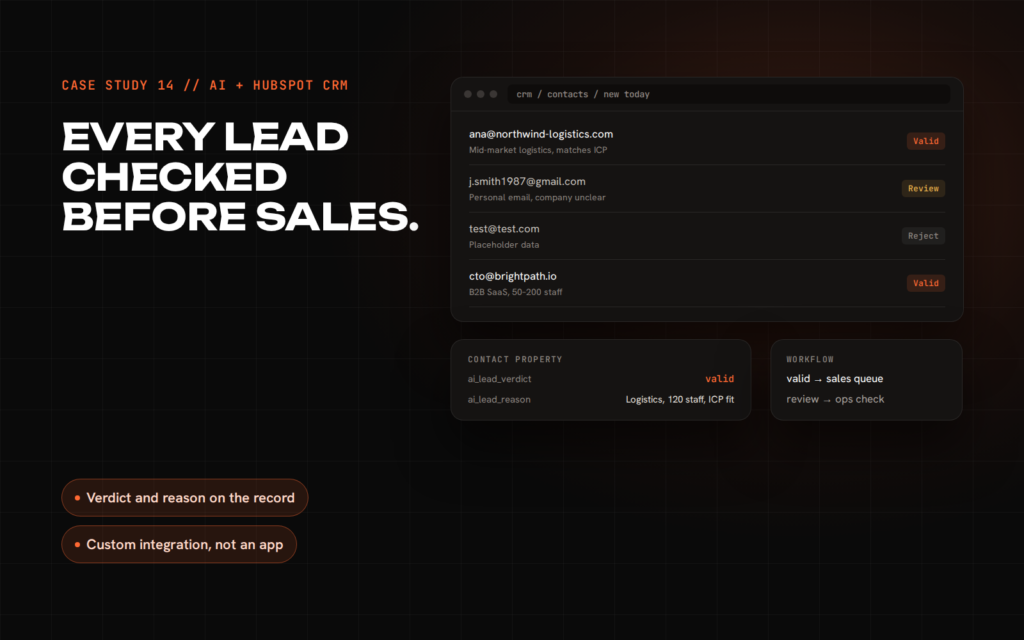
MCP is designed for an assistant working alongside a person. Many valuable AI features are not like that. They run on events, at volume, without anyone in a chat window. My AI lead validator is a good example: it reacts to every new contact the moment it is created, applies business rules in code, calls the model only when needed and writes a verdict back. That is an integration, not a conversation.
- Event-driven processing on every new record or change.
- High volume where per-action confirmation is impractical.
- Strict cost control with code checks before the model is called.
- Logic HubSpot does not expose, or data from systems MCP cannot reach.
- Audit requirements where you need your own logs of every decision.
If you do build one, build it on HubSpot’s current platform. The legacy APIs and private apps are being retired through 2027, and a new integration on old foundations is technical debt from day one.
A sensible way to start
- Connect the HubSpot MCP server to the assistant your team already uses, with a user who has limited permissions.
- Collect the questions people actually ask it for two to four weeks.
- Anything asked often and answered well can stay in chat. Anything that needs to happen automatically, at volume, or with rules is a candidate for a proper integration.
I work at exactly this junction of AI and HubSpot, from CRM integrations to AI products. If you are deciding between MCP, a native Breeze agent and a custom build, book a free 30-minute call.
Sources: HubSpot: remote MCP server GA · HubSpot docs: using the HubSpot MCP server · HubSpot Fall 2026 developer updates · Model Context Protocol